How to Automate Customer Support with AI (2026 Guide)
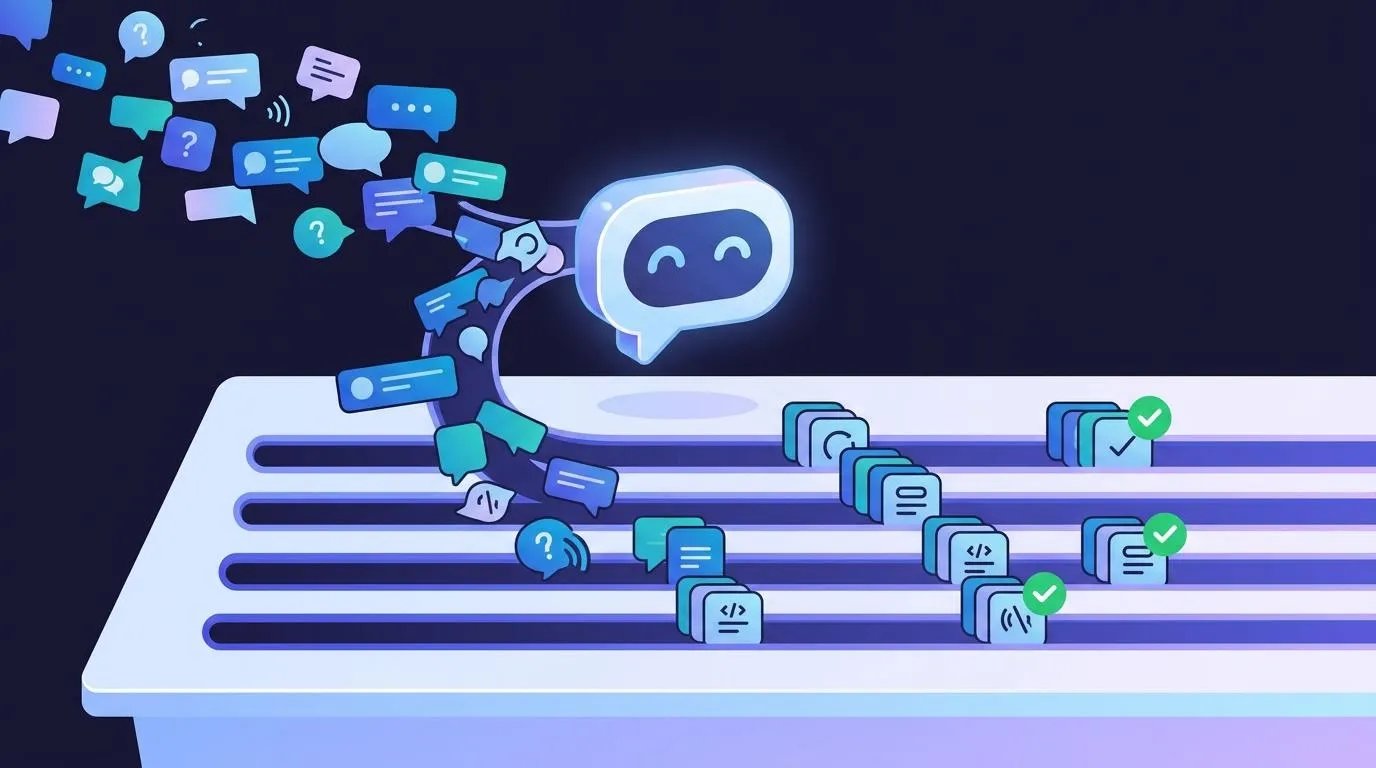
A practical, step-by-step guide for small businesses — from first chatbot to a full AI support stack that handles most routine questions without a human.
Quick answer: Most small businesses can automate the routine part of support — hours, order status, password resets, policy questions — with three layers: an AI chatbot for your website (Tidio or Intercom), a help desk with AI ticketing (Freshdesk or HubSpot), and an AI assistant like Claude or ChatGPT for drafting complex replies. You can start free; a paid setup with an AI chatbot agent for a one-person team runs roughly $100/month. Setup time: 1–2 days.
Why AI Customer Support Works for Small Businesses
The average small business support team spends most of its time answering the same handful of questions — hours, order status, password resets, refund policy. These questions are predictable and answerable from your own documentation, which is exactly what AI chatbots are good at.
The goal isn't replacing a team for complex, emotional, or unusual issues — it's deflecting the routine questions so people can focus on the cases that actually need human judgment. Trained on your own FAQ, today's support bots handle those routine questions well. Be upfront that it's a bot, and make it easy to reach a person.
The 3-Layer AI Support Stack
| Layer | Tool | What it handles | Cost (October 2026) |
|---|---|---|---|
| 1 | AI chatbot (Tidio / Intercom) | Website visitors, instant FAQs, 24/7 coverage | Tidio: free plan; Starter $29/mo, Lyro AI agent add-on from $39/mo. Intercom: from $29/seat/mo (annual) plus $0.99 per AI-resolved conversation |
| 2 | AI help desk (Freshdesk / HubSpot) | Email tickets, auto-categorization, suggested replies | Freshdesk: free for up to 2 agents; Growth $19/agent/mo (annual), AI add-ons extra. HubSpot: free service tools, paid tiers extra |
| 3 | Claude / ChatGPT | Complex tickets, drafting nuanced replies, edge cases | Free tiers; paid plans ~$20/mo |
Prices change often — check each vendor's pricing page before you commit.
Step-by-Step: Building Your AI Support System
Step 1: Build Your FAQ Document (Day 1, ~2 hours)
Before touching any software, document your 30 most common customer questions and their answers — this becomes the training data for every AI tool you use. Cover: hours and location (with timezone/holidays), return/refund policy (be specific), shipping timelines, how customers reset passwords or access accounts, and what happens when an order is wrong or damaged. This FAQ document is the single most valuable thing you'll build — every tool downstream is trained on it.
Step 2: Set Up an AI Chatbot on Your Website (Day 1, ~2 hours)
Install a chatbot and train it with your FAQ document. Tidio is the easiest place to start for a small business: the free plan includes live chat, a shared inbox, and 50 conversations with its Lyro AI agent (a one-time allowance, not monthly) — enough to test it on real questions before paying. Ongoing AI use needs the Lyro add-on. Intercom is the more expensive, more enterprise-oriented alternative, and its AI agent (Fin) is billed per resolved conversation, so costs scale with volume.
Either way, the bot should handle instant 24/7 answers, capture contact details when a question is too complex, and hand off to a human with the full conversation when needed. Setup: create an account, install the chat widget (a code snippet or plugin), add your FAQ content, configure the escalation flow, and test with real questions — most teams finish in under two hours.
Step 3: Add AI to Your Email Help Desk (Day 2, ~2 hours)
Freshdesk (free for up to 2 agents) or HubSpot's free service tools give you a shared inbox for email tickets. Paid tiers add AI that auto-categorizes tickets, suggests replies based on past tickets and your FAQ, flags urgent or angry tickets, and surfaces related tickets from other customers asking the same thing. On Freshdesk, the Freddy AI features are paid add-ons on top of the plan price.
Step 4: Use an AI Assistant for Complex Tickets
For the tickets that need nuanced, personalized responses — complaints, complex refund situations, unhappy customers — use an assistant like Claude as a drafting tool: open the ticket, paste the customer's message in with a prompt like "Draft a professional, empathetic reply to this complaint," then edit for specific details and tone before sending. Reviewing a draft is usually faster than writing from scratch.
The 80/20 rule for AI support: automate the routine majority, use AI to speed up the harder minority. Never fully automate replies to refund disputes, complaints, or situations where a customer is clearly upset — those need a human touch, even if AI drafts the first version.
What to Automate vs. What to Keep Human
| Automate with AI | Keep human |
|---|---|
| FAQ answers (hours, location, pricing) | Complaints and emotionally charged messages |
| Order status updates | Refund disputes and exceptions |
| Password reset instructions | Complex technical troubleshooting |
| Return policy explanations | High-value customer relationship issues |
| Appointment scheduling | Legal or compliance-sensitive questions |
| Basic account changes | Anything requiring judgment or discretion |
Recommended Tools by Budget
| Budget | Tools | What you get |
|---|---|---|
| $0/month | Tidio Free + Freshdesk Free + a free-tier AI assistant | Live chat with a 50-conversation AI trial, an email help desk for up to 2 agents, limited AI drafting |
| ~$100/month (one agent) | Tidio Starter + Lyro AI add-on + Freshdesk Growth + a paid AI assistant | An AI chatbot agent answering routine questions, a full help desk, unlimited AI drafting |
| $150+/month | Intercom + Fin AI agent + HubSpot Service Hub paid tier + a paid AI assistant | Premium chatbot billed per AI resolution, CRM-integrated help desk, AI drafting |
Start with Tidio's free plan → (affiliate link)
FAQ
Can AI really replace human customer support for a small business? For routine, high-volume questions — largely yes. AI chatbots trained on your own FAQ handle opening hours, order status, account resets, and policy explanations around the clock. For complex complaints, refund disputes, or emotional situations, humans are still essential. The goal is deflection, not replacement.
How long does it take to set up AI customer support? With the stack in this guide, expect 1–2 days. The most time-consuming part is building the FAQ document. Installing a chatbot takes under an hour; setting up help-desk email automation takes another hour or two.
How much does AI customer support cost for a small business? You can start at $0 with free plans — Tidio's free plan even includes a 50-conversation trial of its AI agent. Once you pay for an always-on AI chatbot agent plus a help desk, expect roughly $100/month for a one-person team. Watch for usage-based pricing: Intercom's Fin AI agent is billed per resolved conversation, and Tidio's Lyro is priced by AI conversation volume.
Will customers know they're talking to an AI? They should. Most customers don't mind a bot for routine questions — they want a fast answer — but don't pretend it's a human. Introduce it as a virtual assistant and make escalation to a person easy and visible.
How do I handle customer complaints that the AI gets wrong? Build a clear escalation path — configure the chatbot to recognize phrases like "speak to a human" or "I want to complain" and immediately route to a live agent with full conversation context. Review AI responses regularly for the first month; the failure patterns help you improve the training data.
Bottom line
AI customer support is affordable and effective for the routine questions that make up most small-business tickets. Start with the FAQ document, add a chatbot, add help-desk automation, and use an AI assistant for the harder cases. You can build and test the whole stack on free plans, and expect around $100/month once you pay for an AI chatbot agent.
What to do next
- Our pick: start at the $0 tier: build your FAQ document first, then add a free website chatbot. That handles the routine questions before you spend anything.
- If you're past that: move to an always-on AI chatbot agent plus a help desk once ticket volume justifies roughly $100/month for a one-person team.
- If you're a larger team already on a CRM: the premium tier (Intercom with Fin, or HubSpot Service Hub) fits better, but check how per-resolution pricing would scale with your volume.
- Next step: spend two hours writing your FAQ document today. It's the part every tool depends on.
- Start with Tidio's free plan → (affiliate link)
- Keep reading: Tidio vs WelloChat: which is actually worth your money? · Zapier vs Make
Sources
- Tidio plans and Lyro AI add-on pricing — SchedulingKit, Tidio pricing guide
- Tidio free plan details (50 lifetime Lyro conversations) — Costbench, Tidio plans & pricing
- Freshdesk 2026 plan prices, free plan agent limit, Freddy AI add-ons — Drag, Freshdesk pricing in 2026
- Intercom seat pricing and Fin AI per-resolution pricing — Usercall, Intercom pricing 2026
The Workflow Guide publishes independent research and comparisons for remote workers, creators, and small teams. We do not test software in-house; this guide is based on published pricing, documentation, and vendor information. Some links are affiliate links — we may earn a commission if you sign up through them, at no extra cost to you. See our full disclosure.
Copy-paste AI prompts for marketing, sales, service, and operations. Free PDF, no spam.
No spam. Unsubscribe anytime.
Founder of The Workflow Guide — an IT professional who researches home-office gear and productivity software from specs, documentation and published reviews. Full bio →