Two related problems: moving large files fast (a portable SSD) and keeping a safe, always-available copy of everything (a NAS). Creatives and anyone editing video or photos usually need both.
How to choose
Portable SSD
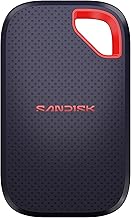
- Interface sets the ceiling. USB 3.2 Gen 2 (10Gbps) ≈ 1,000MB/s and is fine for most people. USB 3.2 Gen 2x2 (20Gbps) and USB4/Thunderbolt (up to ~3,000MB/s) matter for editing 4K+ footage straight off the drive.
- Match the drive to your ports. A Thunderbolt drive on a USB-only laptop runs at USB speed — you paid for headroom you can't use.
- Durability and heat. IP-rated crush/water resistance for field work; a metal body helps sustained writes not throttle.
NAS
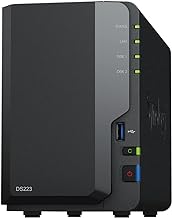
- Bays and drives. Two bays in a mirror (RAID 1) is the sensible home baseline — one drive can die without data loss. RAID is not a backup; you still need an offsite or cloud copy.
- CPU and RAM determine whether it can transcode media, run containers, or just serve files. Be honest about which you need.
- Drives are a separate cost and should be NAS-rated (WD Red, Seagate IronWolf).
What matters less
DRAM-cache marketing on consumer SSDs, and 10GbE on a NAS if your network and clients are all 1GbE. Buy for the workflow you have.
Start here: our best portable SSD guide.
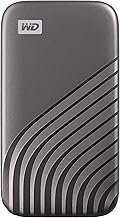

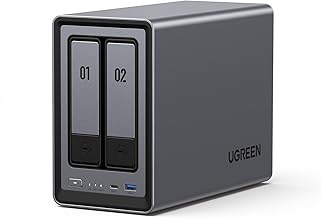
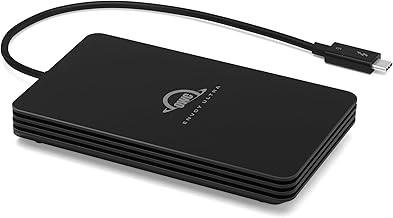
OWC 2TB Envoy Ultra Thunderbolt 5 SSD
The fastest portable SSD available. Thunderbolt 5 speeds over 6000MB/s in a compact enclosure. Compatible with TB3, TB4, USB4, Mac and PC. Perfect for video editors, photographers, and demanding workloads.
Free Checklist
The Home-Office Setup Checklist.
Connection, audio, light, camera, desk and power, in the order that matters. Free 2-page PDF, no ongoing newsletter.
No spam. Unsubscribe anytime. Privacy Policy