A webcam is the cheapest upgrade to how you show up on a call. Almost any dedicated webcam beats a laptop's built-in camera, because the laptop sensor is tiny and sits in a lid with no room for decent optics. The question is how much of an upgrade you actually need.
How to choose
- 1080p is enough for calls. 4K only helps if you crop in heavily, record for editing later, or run a large second screen for the audience. On Zoom and Teams the call is compressed to 1080p or lower anyway.
- Low light is where cheap webcams fall apart. If your room isn't bright, prioritise a larger sensor and a wider aperture over a higher resolution number — or fix the lighting first (see our Lighting picks).
- Autofocus and field of view. A tighter field of view (65–78°) keeps the focus on you; very wide angles show the whole messy room. Continuous autofocus matters if you move around or hold up objects.
- Mounting and software. Check it clips to your monitor and, ideally, has a tripod thread. Manufacturer software (Logi Tune, Razer Synapse) controls framing, exposure and presets — some is genuinely useful, some is bloat.
- Privacy. If the webcam has no physical shutter, add a sliding cover.
Stream controllers and capture cards (for recording and streaming at a desk)
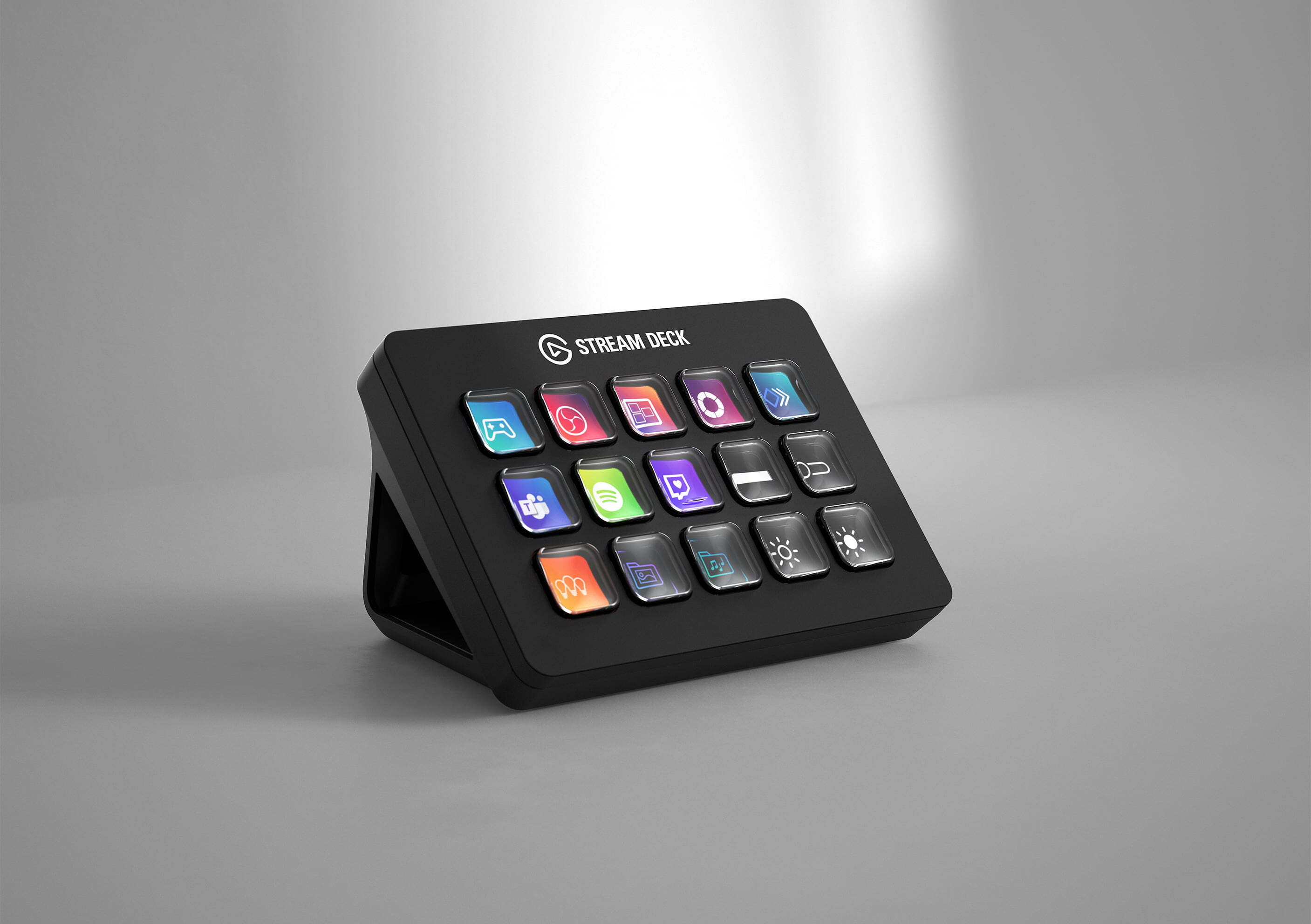
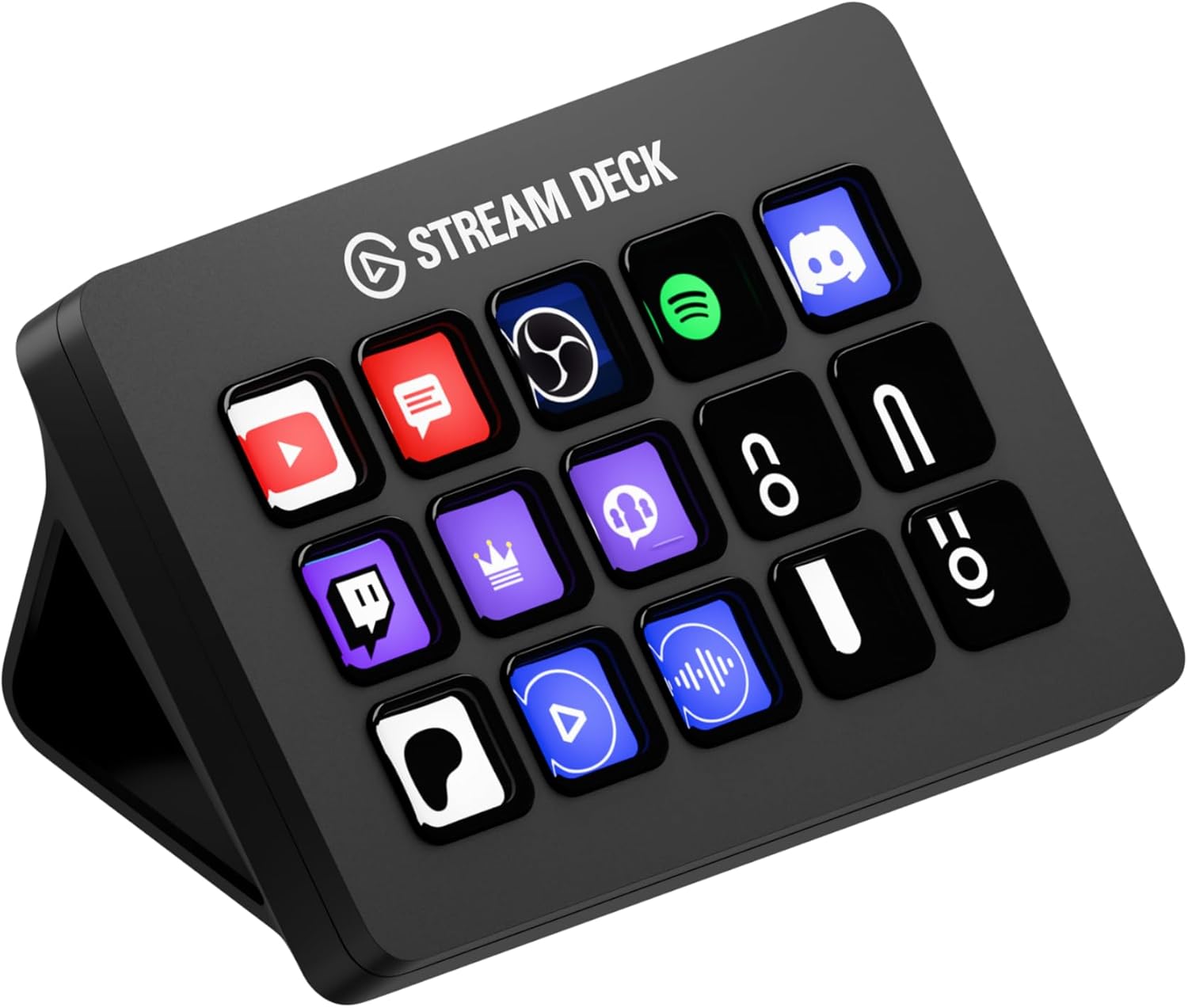
- Stream controller (Stream Deck and similar). Physical buttons that trigger scene switches, mutes, app macros and lighting cues. Worth it once you're doing the same multi-step actions on every recording. Choose the key count by how many actions you genuinely reach for — most people over-buy here; folders let a smaller deck go further.
- Capture card — only if you're bringing in an external camera over HDMI or a second console/PC. A USB 3.0 card handles 1080p60 and most 4K30 passthrough.
- Think in workflow, not features. The setup that gets used is the one where hitting record takes one button, not five. See our streaming setup guide.
What matters less
Frame rate above 30fps, "AI" auto-framing gimmicks, and built-in microphones — the mic in any webcam is worse than a $60 USB mic. Buy the camera for the picture and handle audio separately.

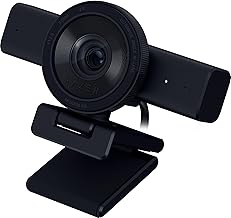
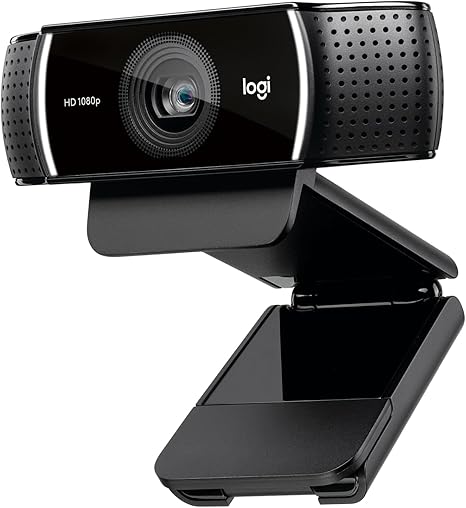
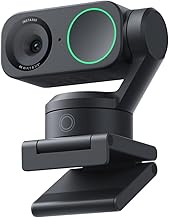
Logitech MX Brio Ultra HD 4K Webcam - Graphite
Ultra HD 4K webcam for collaboration and streaming, Show Mode, noise-reducing mics, works with Teams/Zoom/Google Meet
Guides & comparisons
Free Checklist
The Home-Office Setup Checklist.
Connection, audio, light, camera, desk and power, in the order that matters. Free 2-page PDF, no ongoing newsletter.
No spam. Unsubscribe anytime. Privacy Policy