Lighting is the highest-impact, lowest-cost fix for how you look on camera — more than any webcam upgrade. A dim room makes a $200 camera look like a laptop lid; one good light makes a cheap webcam look professional.
How to choose
- One key light, positioned right, does most of the work. Put it slightly above eye level and off to one side (roughly 30–45°), facing you — not behind you, not flat-on.
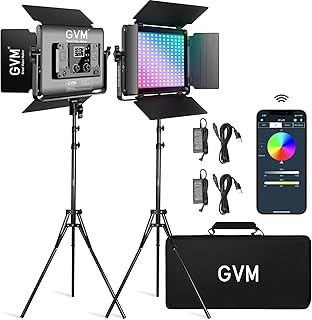
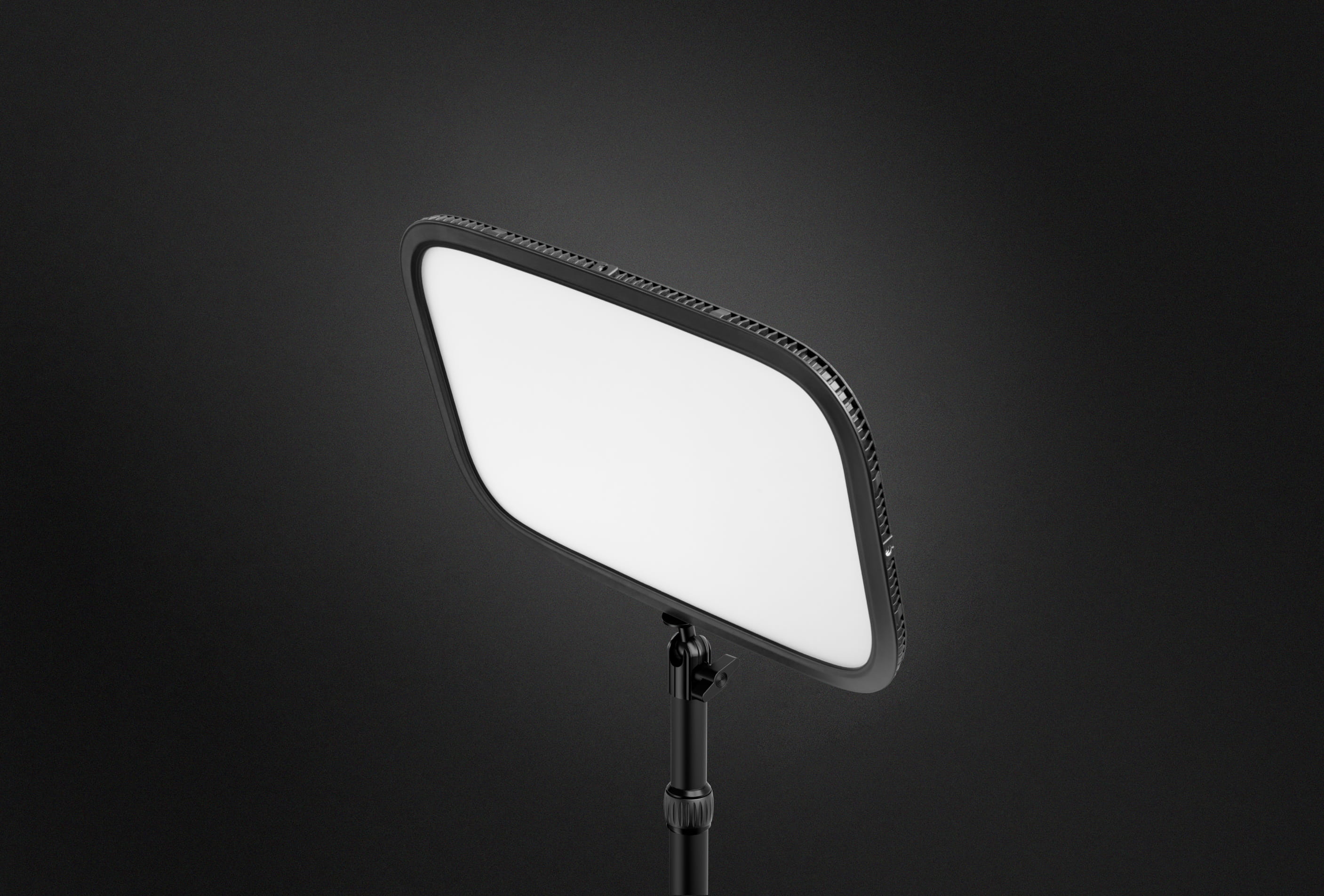
- Size and diffusion. A larger, diffused panel gives softer, more flattering light than a small bright point. Edge-lit panels (Elgato Key Light) are desk-friendly; a softbox is bigger but softer.
- Adjustable colour temperature (2900–7000K) lets you match room light or window light so you don't look orange or blue.
- Control. App or dial control beats reaching behind the panel. If you're on camera daily, being able to set brightness once and forget it matters.
- Mounting. Desk clamp, monitor mount, or light stand — check it reaches where you need without eating desk space.
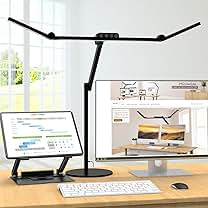
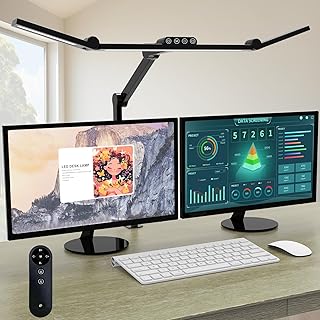
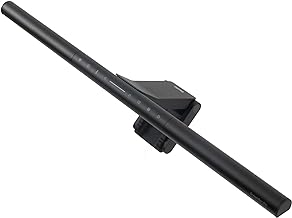
Bias/monitor light bars (BenQ ScreenBar) are a different tool: they light the desk and reduce eye strain in a dark room, not your face. Useful alongside a key light, not instead of one.
What matters less
Very high maximum lumens (you'll run it at 30–50%), RGB colour effects for calls, and battery power for a light that lives on your desk.
Start here: our lighting for video calls guide.
Free Checklist
The Home-Office Setup Checklist.
Connection, audio, light, camera, desk and power, in the order that matters. Free 2-page PDF, no ongoing newsletter.
No spam. Unsubscribe anytime. Privacy Policy