Everything in a home office that isn't the computer: the chair and desk you work at for eight hours a day, the keyboard and mouse you touch all day, the monitor you stare at, and the arms and stands that get them into the right position. Small ergonomic wins here compound over a year — and the chair and desk are where money is best spent and most often under-spent.
How to choose
Chair
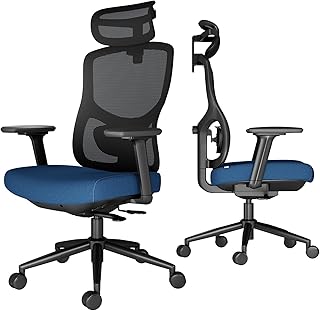
- Adjustability is the whole game. Seat height, seat depth, armrest height and width, lumbar depth, and recline tension should all move independently. A cheap chair with one lever is a cheap chair.
- Mesh vs foam. Mesh breathes and holds shape for years; good foam is more immediately cushioned but compresses over time. Both work — buy on adjustability, not material.
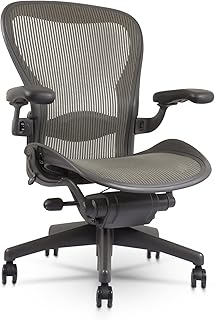
- Renewed/refurbished premium (a renewed Herman Miller Aeron) often beats a new mid-price chair at the same cost, and keeps most of the warranty. See our office chair guide.
Desk
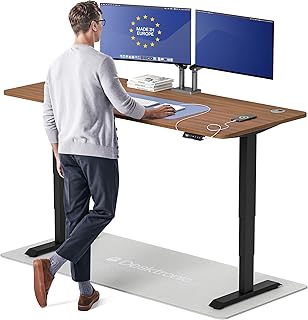
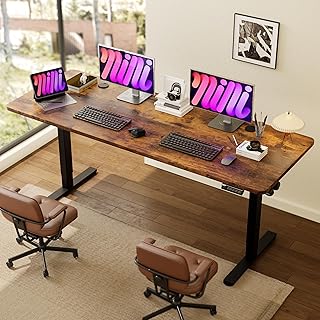
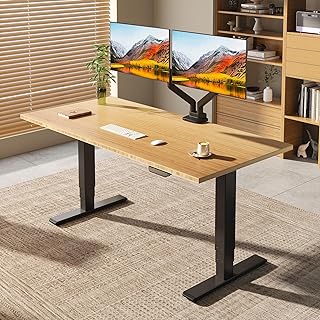
- Standing vs fixed. A sit-stand desk earns its price if you'll actually alternate; if you won't, a solid fixed desk at the right height is better value. See our standing desk guide.
- Stability under load. Wobble at standing height is the common failure. Look at the frame (dual motor, crossbar), the weight rating with margin to spare, and the top thickness.
- Depth ≥ 27 in (70 cm) so a monitor sits at arm's length.
Monitor
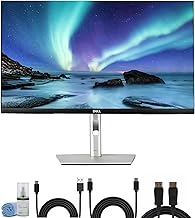
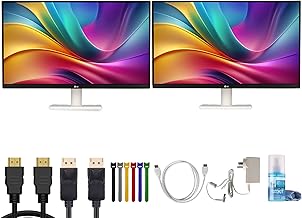
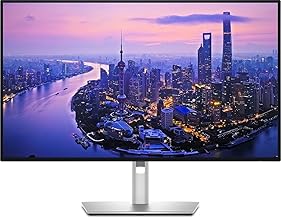
- A single 27 in 4K panel is the sweet spot for a home office — sharp text, room for two windows side by side. 1440p at 27 in is fine and cheaper; 4K needs display scaling to keep text readable.
- USB-C with power delivery lets a laptop drive the screen and charge over one cable. Check the wattage (65W+ for most laptops, 90W+ for 16 in class).
- Panel type: IPS for colour and viewing angles; skip curved and ultrawide unless you know you want them.
Keyboard and mouse
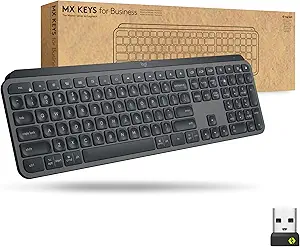
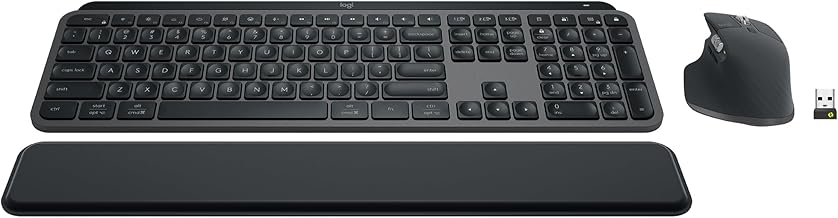
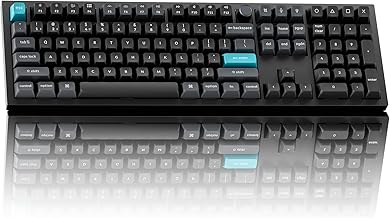
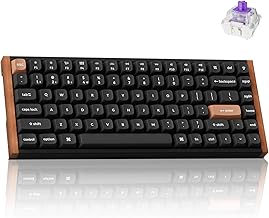
- Mechanical vs membrane is preference, not productivity. If you type all day and like the feel, a low-profile mechanical (Keychron, Logitech MX Mechanical) is a genuine daily pleasure. If you don't care, the MX Keys is quieter and cheaper.
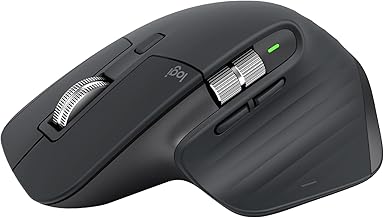
- Mouse: shape and weight over button count. An ergonomic vertical or a well-shaped standard (MX Master 3S) beats a gaming mouse for desk work.
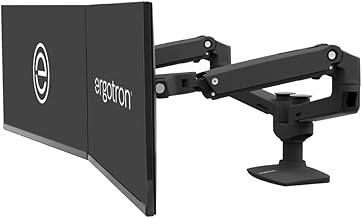
Monitor arm — frees desk space and gets the screen to eye height. Check the VESA pattern, the weight range (your monitor should sit mid-range, not at the limit), and whether it clamps or grommets to your desk.
What matters less
RGB lighting, polling rates above 1000Hz, and 240Hz+ refresh for non-gaming work. 120Hz is a nice-to-have; 60Hz is fine for documents. Bamboo vs laminate desk tops, memory presets beyond one or two, and desk "ecosystem" accessories — get the chair and the frame right first.
Start here: our complete home office setup guide.
Guides & comparisons
The Home-Office Setup Checklist.
Connection, audio, light, camera, desk and power, in the order that matters. Free 2-page PDF, no ongoing newsletter.